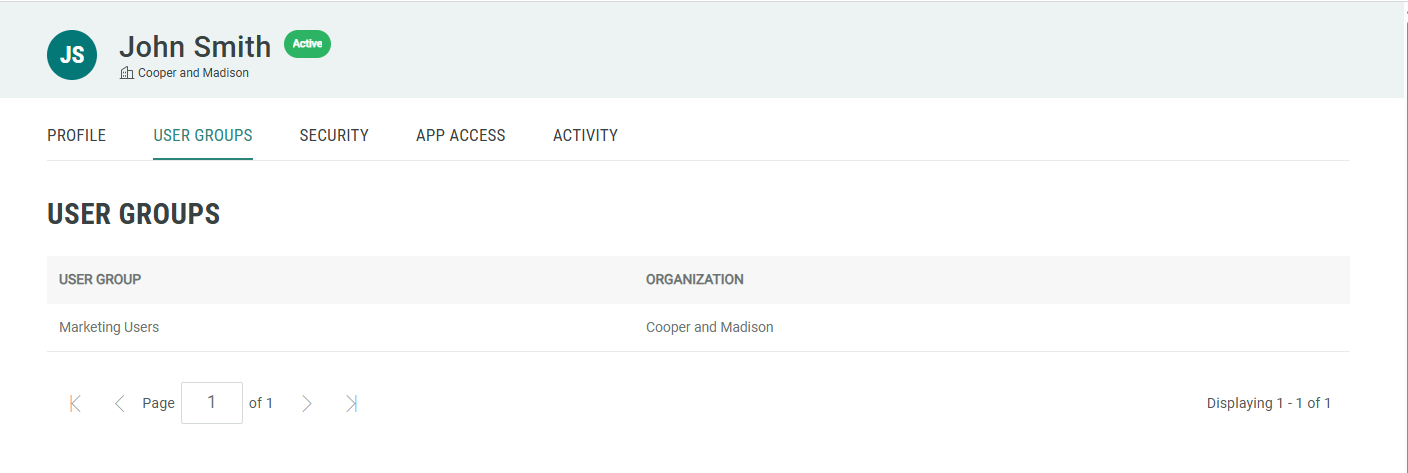
View User Groups
A User Group represents a collection of access privileges, and is intended to enable quick and efficient management of user access to Zeta applications and Business Units. User Groups are an optional feature that must be enabled within your Organization; please speak with your Zeta team for more information on enabling this feature.
Note: This feature is available for all Roles.
To view your current User Group assignments:
-
Log into the Zeta Login User Workspace. The Profile tab is selected by default.
-
Select the User Groups tab. This tab displays all the User Groups to which you have been assigned.